
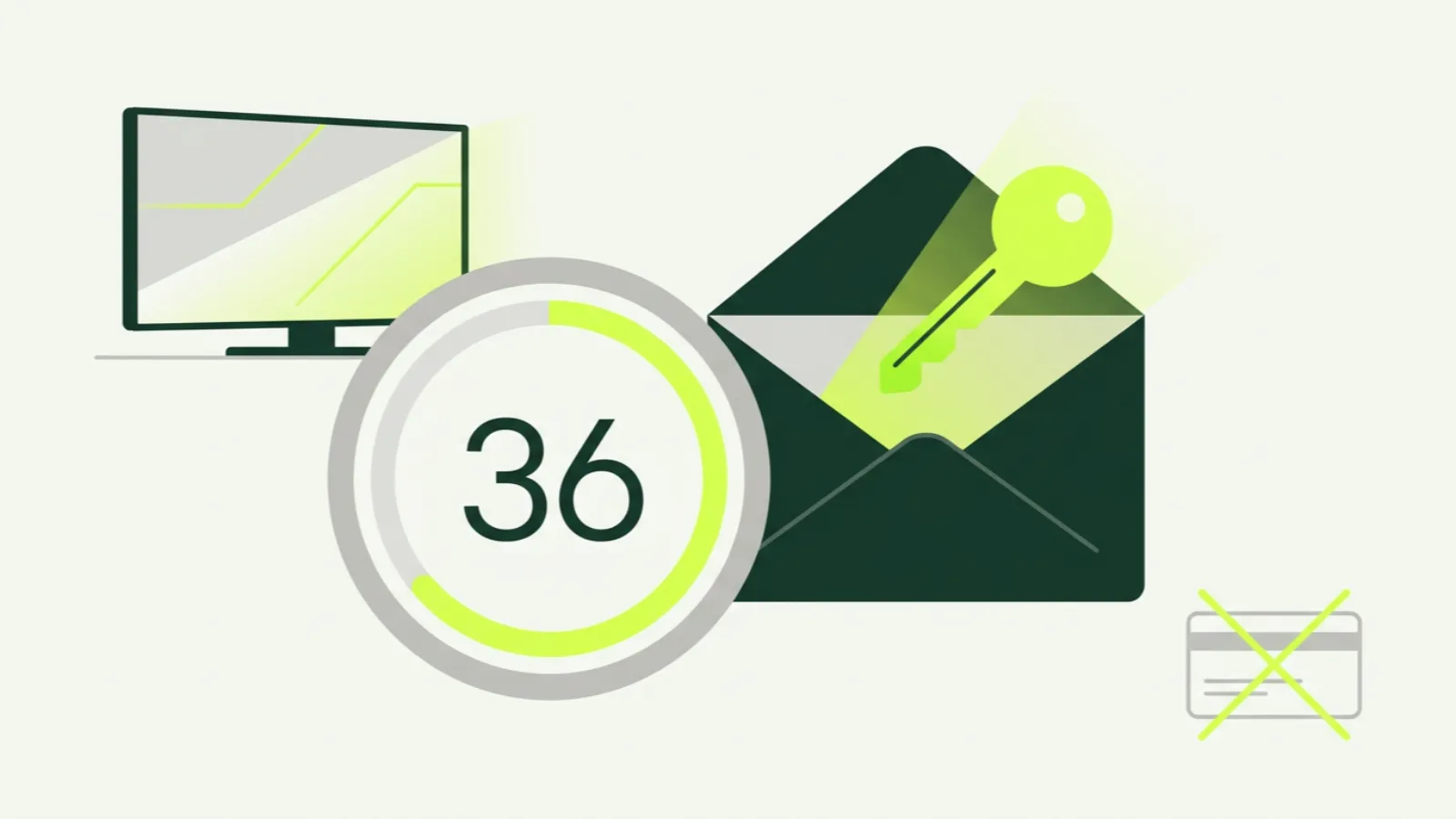
An IPTV free trial in Canada should answer one question: does this service work on your TV, on your internet, for the things you actually watch? Reviews and comparison tables cannot tell you that, because they were not written in your living room on a Saturday night.
Our trial runs for 36 hours, needs only an email address, and asks for no card. This article explains how it works, gives you a testing checklist so you do not waste the day, lists the red flags to look for in other “free” trials, and tells you exactly what happens when the 36 hours end.
How IPTV free trials usually work
Most IPTV trials follow the same shape. You request access, the provider creates a temporary line on its system, and you receive login details to enter into a player app or a web player. The line works like a paid one for a fixed period, then expires.
The differences lie in the details: how long the trial lasts, what you have to hand over to get it, whether the trial line includes the full lineup or a cut-down version, and whether a paid plan starts automatically at the end. Those details tell you a fair amount about the business behind it.
How the IP2TV free trial works
Here is ours, step by step:
- Go to the free trial page and enter your email address.
- Your login details arrive by email.
- Install the app on your device using one of our setup guides, or open the web player in a browser.
- Watch for 36 hours, with the full lineup of 16,000+ live channels and the on-demand library.
- After 36 hours, the trial line stops. Nothing else happens.
Why our trial does not ask for a card
We do not ask for card details because there is nothing to charge them for. A trial that needs a card is usually designed to convert into a paid plan automatically if you forget to cancel. That is a fine business model for some subscriptions, but it is the wrong one for a service you are testing for the first time.
Our paid plans do not auto-renew either. When a term ends, the line stops and you decide whether to renew. The trial follows the same logic: you choose, nothing is chosen for you. When you do pay, it is by card or crypto, and only at the moment you pick a plan.
How to plan your 36 hours
Twenty-four hours goes quickly if you start the trial at 11 p.m. on a Tuesday. Timing matters more than anything else on this list.
Start it the morning of a busy evening. The real test of any streaming service is prime time, roughly 7 p.m. to 11 p.m. local time, when the most people in Canada are streaming at once. Start the trial in the morning or early afternoon, set up your device while it is quiet, and you will have that whole evening to test.
Pick a day with live sport. A game is the toughest content for any stream: fast motion, high stakes, everybody watching at once. Saturday covers hockey at night and European football in the morning. Our guides to watching the NHL without cable and watching the Premier League in Canada tell you when the big games are on.
Your free trial testing checklist
Work through these during the 36 hours. Write down what you find, because by tomorrow you will not remember which channel stuttered.
1. Install on the device you will actually use
Do not test on your laptop if the family will watch on a Fire TV stick in the basement. Follow the right guide: Firestick, Android TV, Samsung and LG smart TVs, Formuler or the full guides index.
2. Check your speed and connection
Run a speed test on the TV device itself, not on your phone. We recommend 25 Mbps per HD stream and 50 Mbps for 4K. If you can, use Ethernet. If you are on Wi-Fi, connect to the 5 GHz band.
3. Find your must-have channels
Make a short list before you start: the five to ten channels that would make you cancel if they were missing. Your local news feed, your team’s sports network, a kids’ channel, a channel in your home language. Search for each one and add it to favourites. Our article on what channels you get with IPTV in Canada explains how to navigate a large guide quickly.
4. Watch during prime time
Between 8 p.m. and 10 p.m., watch at least one long stretch on a channel you care about. Note any freezes, how long they last, and whether the picture recovers by itself.
5. Watch a live game
Put on a hockey game, a football match or whatever sport your household follows. Watch fast plays closely. Sport shows weak spots that a talk show hides.
6. Try the guide and catch-up
Open the programme guide and check that listings appear for your main channels and that the times are right for your time zone. Then go back in the guide on a channel that supports catch-up and play something that aired earlier in the day.
7. Test video on demand
Search the movie or series library for something specific. Press play, skip ahead, pause, come back. On-demand behaves differently from live, so test both.
8. Try a second device
Install the login on a second device, such as a phone with our iPhone guide or Android phone guide, or the web player on a laptop. The trial plays one stream at a time, so close the first device before you start the second. You are checking that setup is easy and the experience is consistent, which matters if you plan to buy more than one connection.
9. Send support a question
Write to [email protected] with a real question, even a small one. How quickly and how clearly you get an answer tells you what support will be like when something matters.
Red flags with “free trials” elsewhere
Not every free trial is free in the way it sounds. Watch for these:
- A card is required for a “free” trial. Ask why. Often it is so a paid plan starts automatically.
- The trial is a few minutes or an hour long. That is a demo, not a trial. You cannot test prime time in an hour at noon.
- The trial is a cut-down lineup. If the trial shows fewer channels than the paid plan, you are not testing what you would buy.
- You are asked to pay in advance and “get a refund if you don’t like it”. That is not a trial. Read the refund terms carefully.
- Promises nobody can keep. “Zero buffering”, “every channel in the world”, “100% legal”. Streaming over the public internet can always hiccup, and the legal position depends on rights, as our article on whether IPTV is legal in Canada explains.
- Pressure to sign up for a year straight away. A service confident in its quality lets you start with a month.
For more on judging a provider before you hand over money, read our guide to whether IPTV is safe in Canada.
What happens after the trial ends
The 36 hours end, the trial line stops, and that is it. No charge, no reminder to cancel, no follow-up subscription. You do not need to do anything.
If you want to continue, pick a plan on the pricing page. One connection costs C$26.99 for one month, C$77.99 for six months or C$109.99 for twelve months, which is about C$9.17 a month. If the trial showed you need more screens, 2-connection plans start at C$34.99 per month, up to 5 connections. A good first step for most people is the one-month plan, with longer terms once you know it suits you.
One thing to know about refunds: they are only possible before a paid line is activated, as set out in our refund policy. That is another reason to use the free trial properly. It is your chance to find a problem before money changes hands.
If something did not work during your trial
Trials sometimes go wrong for reasons that have nothing to do with the service: an old Wi-Fi router, a device that needs an update, a TV in the room farthest from the router. Before you rule IPTV out, read our IPTV buffering fixes and tell support what happened. Problems that show up in a trial are usually fixable, and it is better to fix them now than after you have paid.
Ready to try it on your own TV? Start the 36-hour free trial with your email address. Plan it for a day with a game on.
